
Duplicating Objects in Blender While Keeping Them in Sync with the Original
CREATED: 2023 / 08 / 05 Sat
UPDATED: 2023 / 08 / 05 Sat
I use Blender in English. Version is 3.6.1.
Linked Duplication of Objects
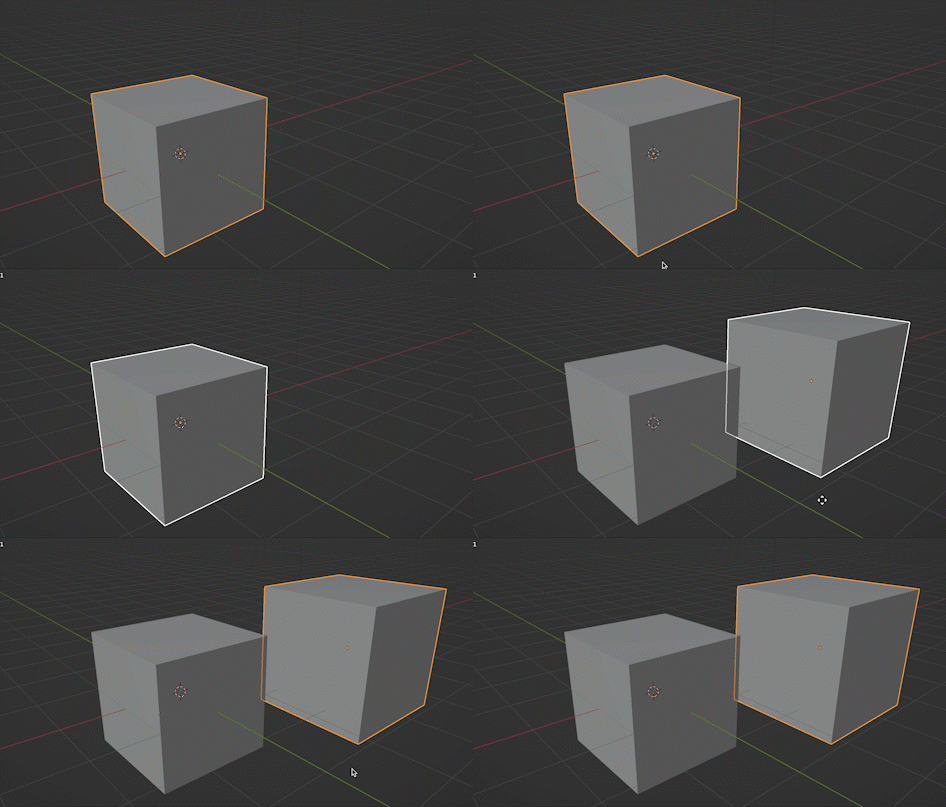
Sometimes you want to copy an object and edit both copies in the same way.
But a plain Shift + D copy does not propagate edits from the copy back to the original.
When you want edits to affect both the copy and the original simultaneously, use Linked Duplicate.
Linked Duplicate is very simple: Alt + D on Windows, or Option + D on Mac.
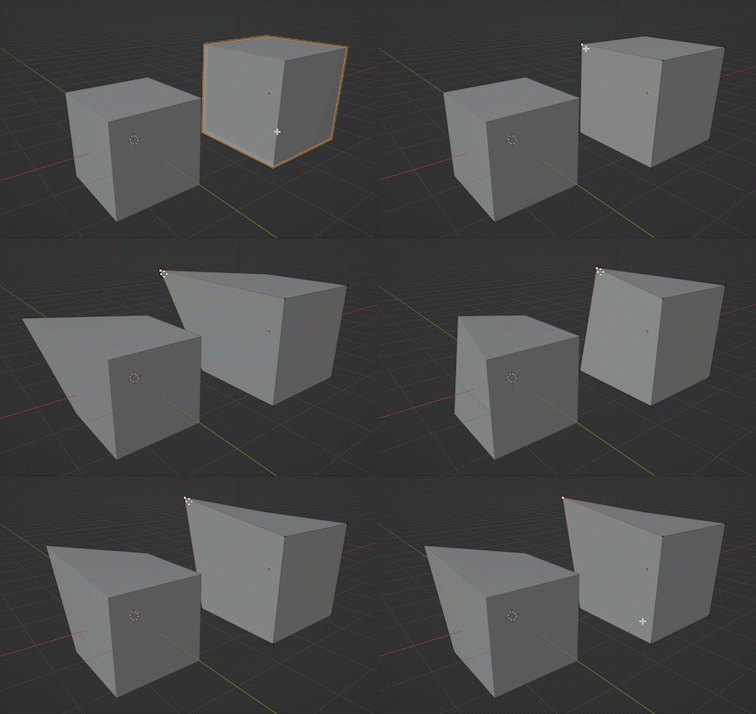
Lovely.
Unlinking a Linked Duplicate
It’s great that edits now sync, but what if you want to fully separate them?
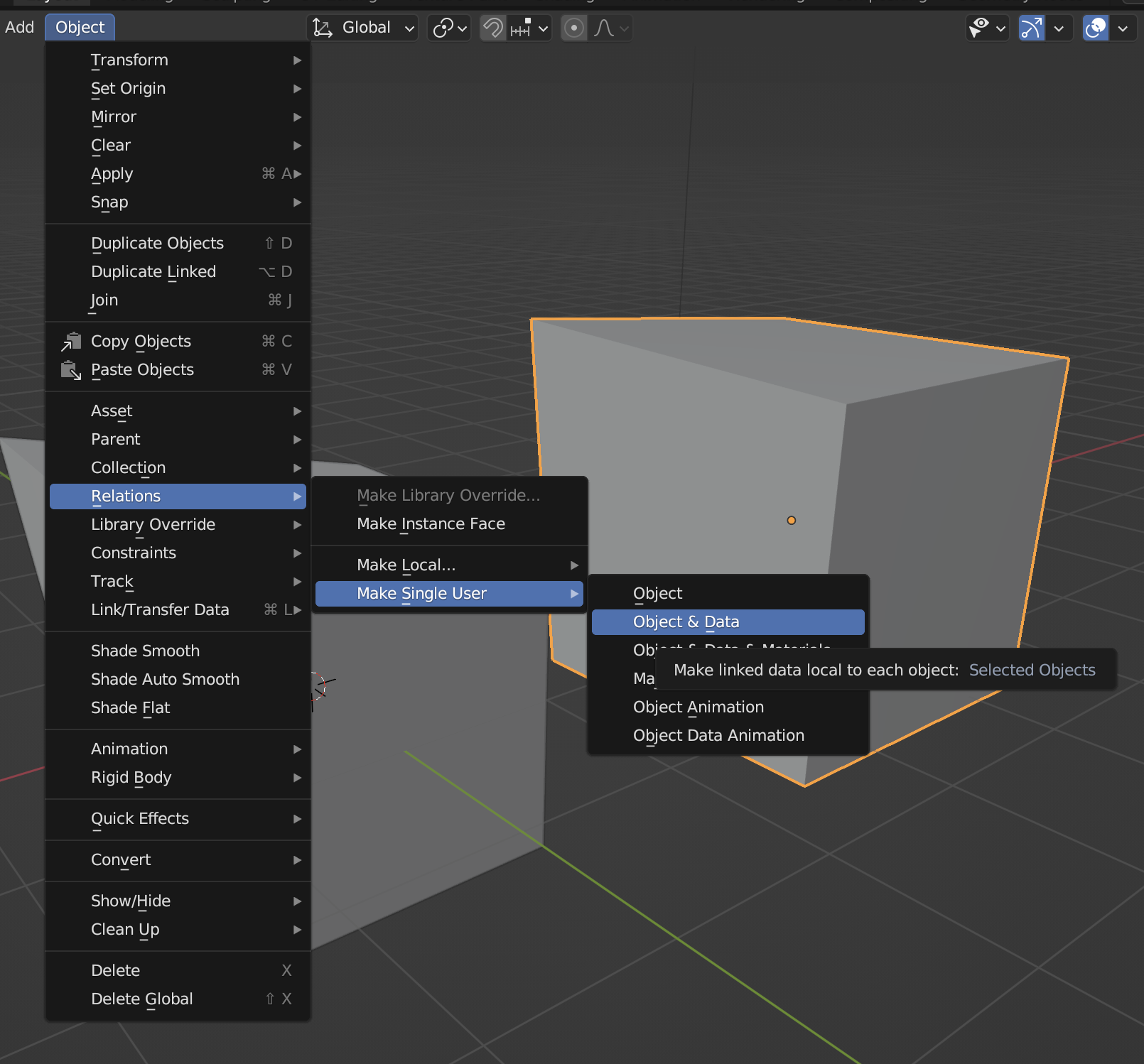
You can unlink a linked duplicate by selecting the target object in Object Mode, then going to Object > Relations > Make Single User > Object & Data from the top menu.
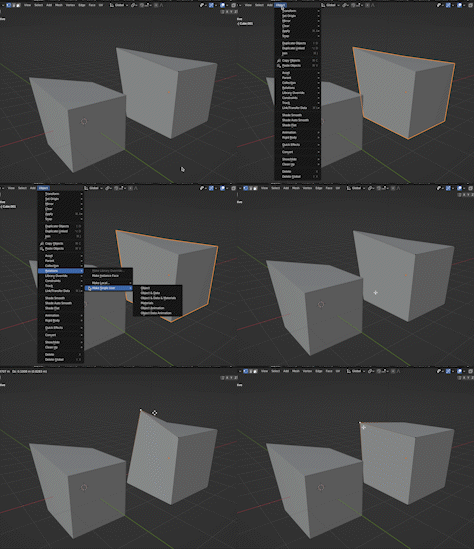
The GIF is too rough to see clearly, but you can roughly make out the location — you can tell, right?
Here’s a still image just in case.
Appendix
That’s all there is to it. Done.